

User account
Every user must have a valid user account in order to log in and use MediCase eCRF. When you are invited to a study, you will receive an email with instructions on how to create your account.
MediCase eCRF is entirely web-based, and you login at https://login.medicase.se .
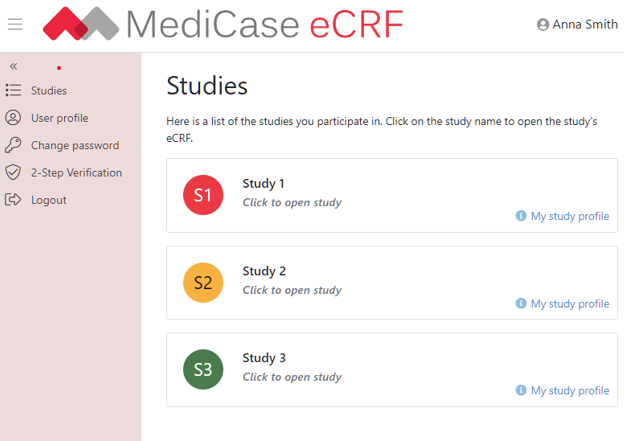
When logged in, you can open the eCRF for the studies you participate in
Once logged in, you can open the eCRF for the studies you participate in in the list of studies. In the left menu you find links to update your profile, change password and setup 2-Step verification. Here you can also logout from the site, including all studies you have open.
Clicking the ‘My study profile’ links next to each study let’s you view the user roles your are assigned in the study and configure your personal settings in the study, e.g. if you wish to receive ‘SAE notifications’. The settings available depend on the study configuration.