

Change password
When you have logged in you can change your password from the dashboard by going to the "Change password" page.
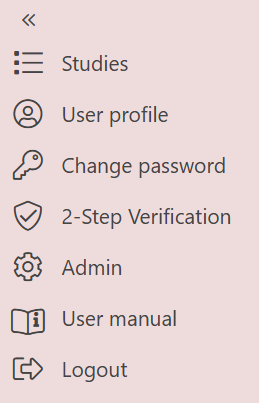
To access the Change password page press `Change password` from the menu
You will then be prompted to enter your current password and a new password. When saving the changes will take effect immediately and you will be able to use your new password.
Forgot password?
If you have forgotten your password you can select "Forgot password?" and enter your email address on the following page.
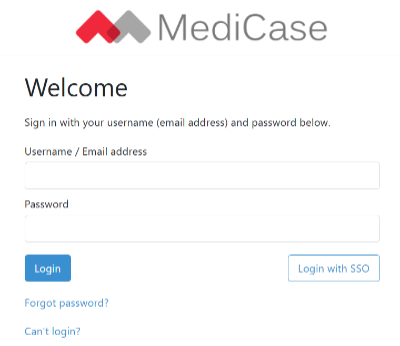
Click the `Forgot password?` link to reset your password
If your email address exists in our systems, an email will be sent with instructions on how to reset your password.
Note
This does not apply for Single Sign-On users as it is their organization that manage resets of forgotten passwords.
Signing codes
Note
The following section only applies to Single Sign-On users.
For some features of the MediCase eCRF and eTMF, e.g. signing eCRF forms and deleting eTMF documents, entering your password is required even when logged in. Since SSO user's passwords are managed by their organization, a signing code is used instead. The first time it is needed it will be generated and sent to your email. If you have forgotten your signing code you can have it sent to your email again or generate a new one.
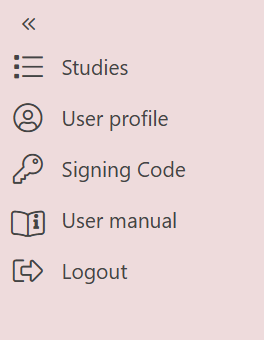
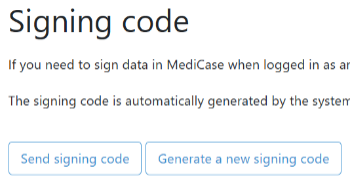
To access the Signing code page press `Signing Code` in the menu, where you can retrieve your signing code or generate a new one